



Description
Product Overview
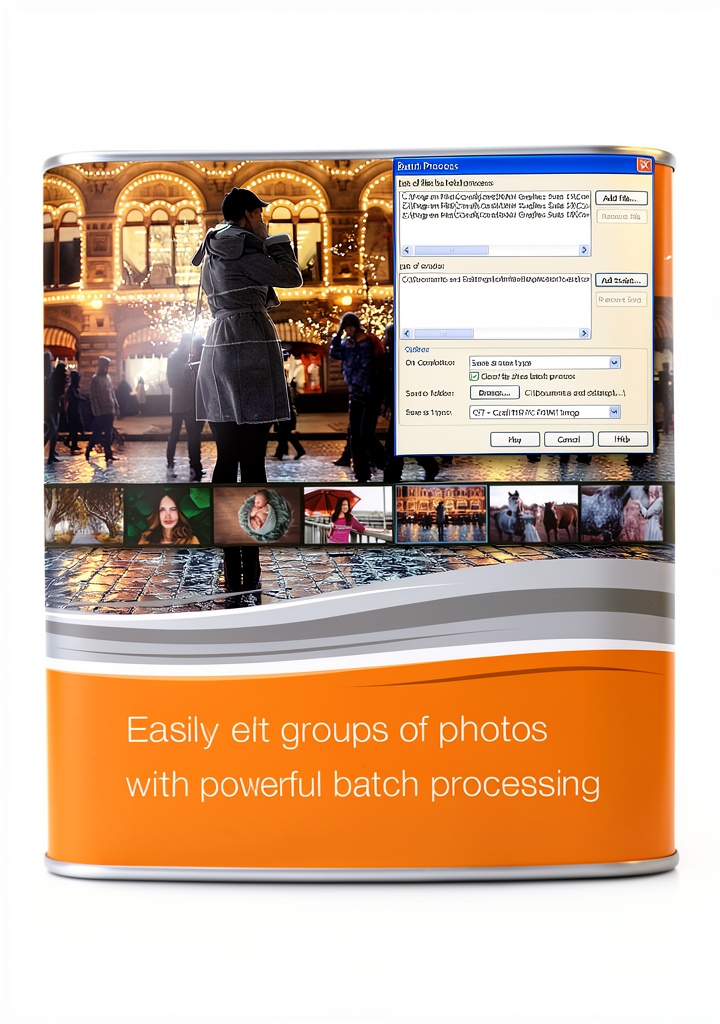
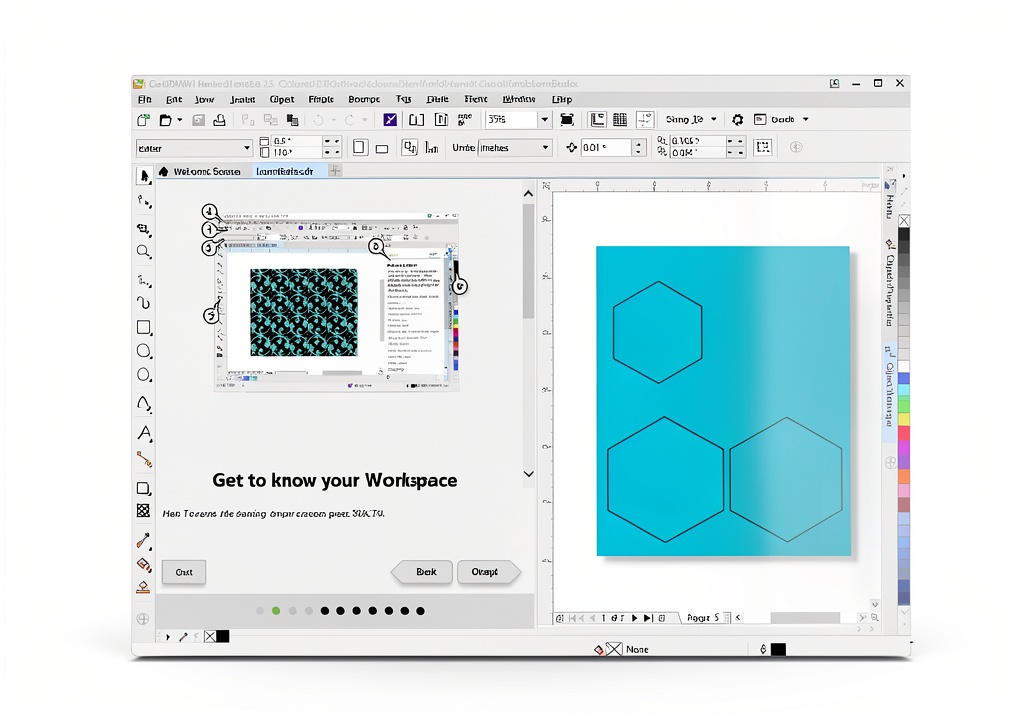
CorelDRAW Graphics Suite is a comprehensive design platform that combines powerful layout, illustration, and photo editing capabilities into a single, cohesive environment. The suite includes a full set of vector drawing tools, advanced tracing functions, and a robust photo editor that lets users enhance images with precision and creativity. Integrated templates and a quick‑start guide accelerate the learning curve, while batch processing features enable users to apply adjustments to thousands of files in a single operation, saving valuable time.
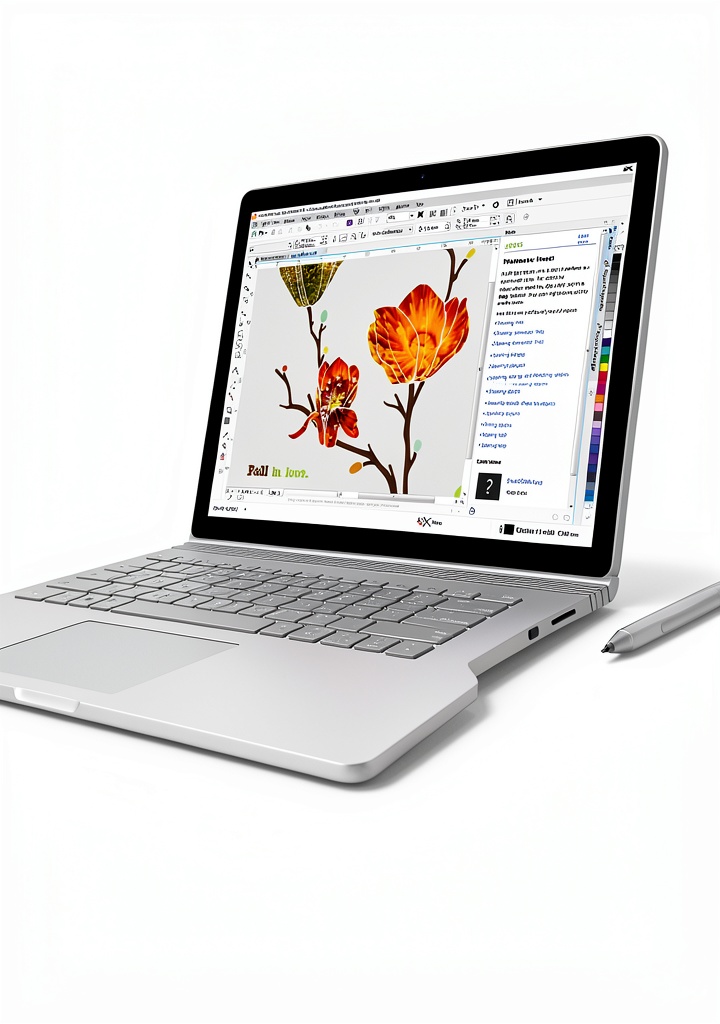
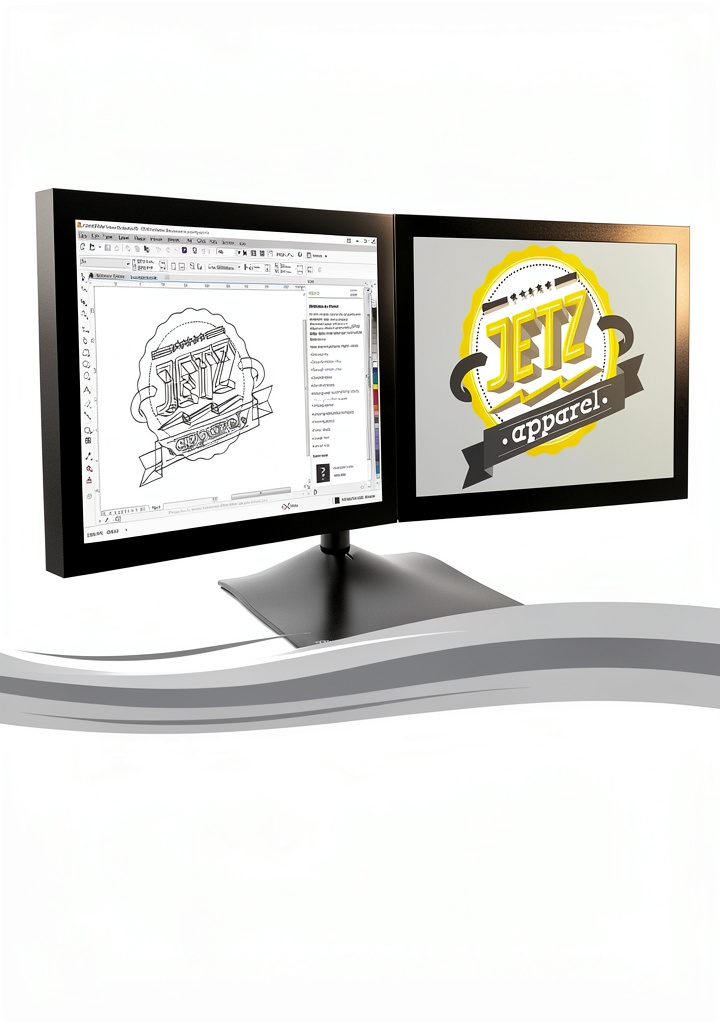
The software is engineered for modern hardware, supporting Windows 10, Windows 8.1, and Windows 7, as well as the latest stylus‑enabled tablets from Microsoft Surface and Wacom. Multi‑monitor setups and 4K displays are fully supported, delivering crisp, detailed visuals that enhance both design accuracy and on‑screen enjoyment. CorelDRAW also maintains compatibility with a wide range of file formats, including AI, PSD, PDF, JPG, PNG, SVG, EPS, TIFF, DOCX, PPT, and more, ensuring seamless collaboration across different creative workflows.
Performance‑focused features such as real‑time rendering, GPU acceleration, and optimized memory management allow designers to work on complex projects without lag. The suite’s modular architecture lets users customize their workspace, arranging toolbars, palettes, and panels to match personal preferences and project requirements. Additionally, the inclusion of professionally designed assets—high‑resolution photos, vector illustrations, and layout templates—provides a rich starting point for any creative endeavor.
CorelDRAW’s intuitive interface balances depth and accessibility, offering both novice-friendly wizards and advanced options for seasoned professionals. Context‑sensitive help, interactive tours, and a library of training videos empower users to master the software quickly, while ongoing updates deliver new features and improvements based on community feedback.
Overall, CorelDRAW Graphics Suite delivers a versatile, future‑proof solution for graphic designers, photographers, marketers, and hobbyists seeking a reliable, all‑in‑one creative toolkit.
![[Product front view showing all components]](https://www.raregoods.store/wp-content/uploads/2026/06/33eebdaefd724f94b3c825567e207ffc.jpg)
Usage
The suite is ideal for a broad spectrum of creative tasks, from designing marketing collateral and brand identities to producing detailed technical illustrations and photo retouching. Graphic designers can craft brochures, flyers, and social media graphics using precise layout controls, while illustrators benefit from vector tools that support complex paths, gradients, and effects.
Photographers and visual artists leverage the integrated photo editor to correct exposure, adjust color balance, and apply creative filters, either on single images or in batch mode for large collections. The software’s compatibility with stylus tablets enables natural, pressure‑sensitive drawing, making it a favorite among digital painters and concept artists who require fine‑grained control.
Educators and students in design programs find CorelDRAW valuable for classroom projects, thanks to its extensive library of templates and easy‑to‑follow tutorials. Small business owners can produce professional‑looking signage, packaging, and promotional materials without outsourcing to a design agency, reducing costs and turnaround time.
The suite also supports collaborative workflows; files can be shared across teams, and version control features help maintain consistency throughout the design process. Whether working on a high‑resolution poster for a trade show or a series of product photos for an e‑commerce site, CorelDRAW adapts to the demands of both print and digital media.
Why Choose Us
Corel has a legacy of over three decades in graphic software development, delivering reliable, industry‑standard tools that evolve with emerging design trends. The Graphics Suite benefits from this heritage, offering a stable, well‑tested platform that integrates seamlessly with other Corel products and third‑party applications.
Regular updates ensure that users receive the latest features, security patches, and performance enhancements. Our dedicated support team provides responsive assistance through multiple channels, including live chat, email, and an extensive knowledge base, guaranteeing that help is always available when needed.
The suite’s commitment to cross‑compatibility means that files created in CorelDRAW can be opened and edited in other leading design programs, protecting your investment and facilitating collaboration with partners who may use different software.
We prioritize user empowerment, offering a wealth of learning resources—from interactive tours and step‑by‑step guides to video tutorials and community forums—so users of all skill levels can quickly become proficient and produce high‑quality work.
Key Features
- Intuitive vector drawing tools that enable precise artwork creation and easy editing.
- Advanced photo editing suite with batch processing to streamline large‑scale image adjustments.
- Extensive library of templates, fonts, and high‑resolution assets to accelerate project start‑up.
- Full support for stylus‑enabled tablets, multi‑monitor setups, and 4K displays for a premium design experience.
- Responsive customer support and continuous software updates to keep your workflow current.
FAQ
What operating systems does CorelDRAW Graphics Suite support?
The suite runs on Windows 10, Windows 8.1, and Windows 7, providing full functionality on both 64‑bit and 32‑bit systems. It is optimized for modern hardware, ensuring smooth performance on contemporary PCs and laptops.
Can I use a stylus tablet with CorelDRAW?
Yes, CorelDRAW fully supports real‑time stylus tablets, including Microsoft Surface and Wacom devices. Pressure sensitivity, tilt, and rotation are recognized, allowing natural drawing and precise control for illustration and photo editing tasks.
Is batch processing available for photo edits?
Absolutely. The suite includes AfterShot batch processing capabilities, letting you apply adjustments, watermarks, and export settings to thousands of images in a single operation, dramatically reducing repetitive work.
What file formats are compatible with CorelDRAW?
CorelDRAW imports and exports a wide range of formats, such as AI, PSD, PDF, JPG, PNG, SVG, EPS, TIFF, DOCX, PPT, and many more, ensuring seamless collaboration with other design tools and platforms.
Do you provide training resources for new users?
Yes, every purchase includes a quick‑start guide, interactive tours, video tutorials, and access to a library of professionally designed templates. These resources help users get up to speed quickly and make the most of the suite’s capabilities.


Reviews
There are no reviews yet.