


Description
Product Overview
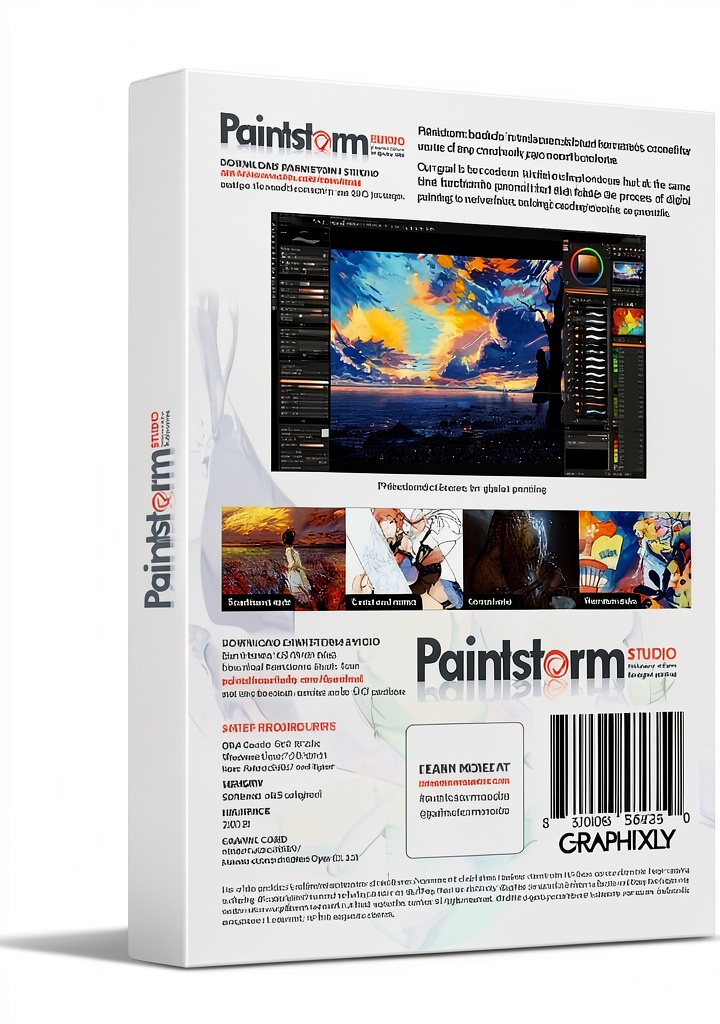
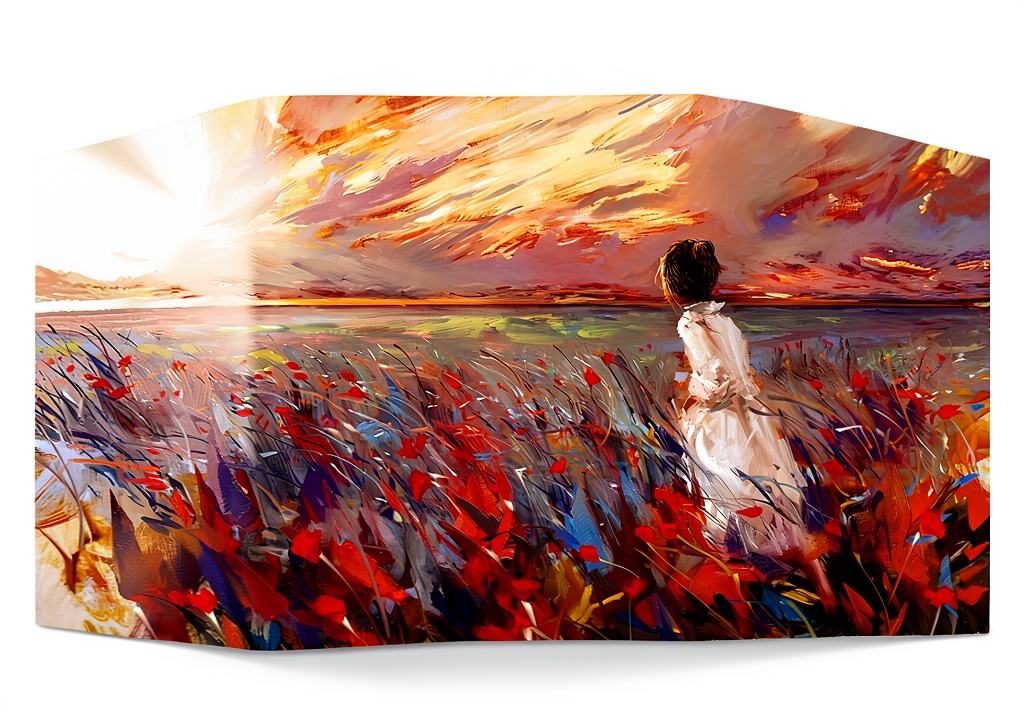
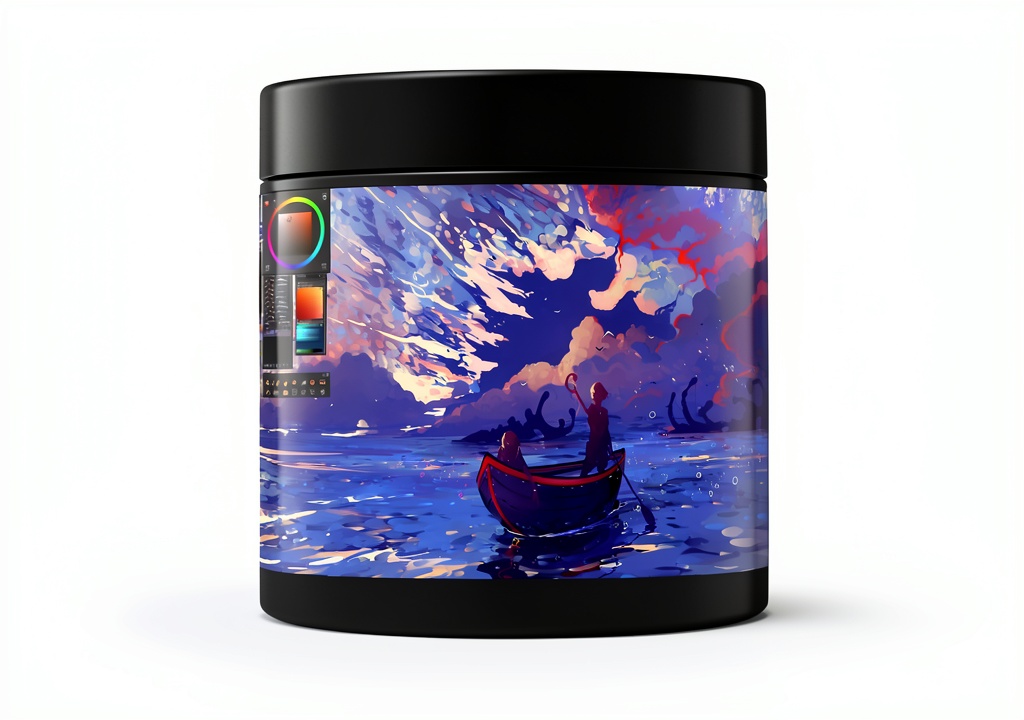
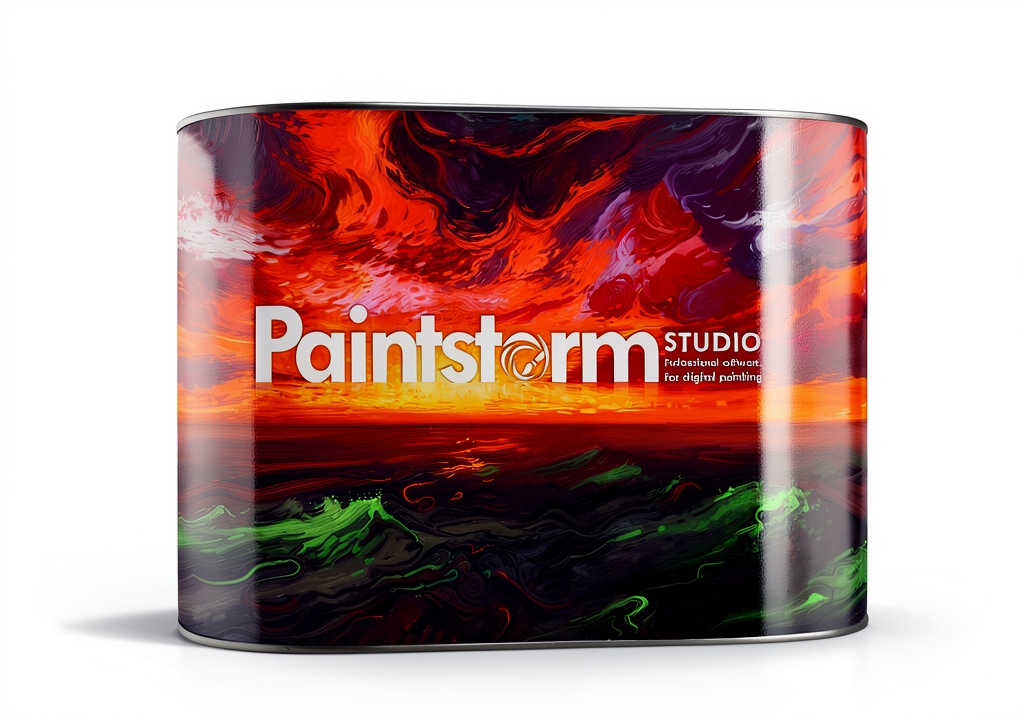
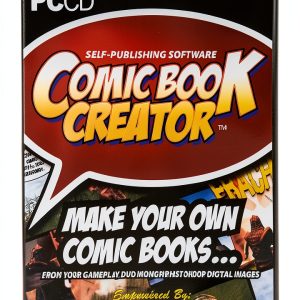
Graphixly presents a professional-grade digital painting solution designed for artists who demand precision, flexibility, and creative freedom. Launched on April 22, 2024, this software runs on a lightweight 5.3 x 0.6 x 7.6‑inch package weighing just 2.4 ounces, making it ideal for both desktop and portable setups. Developed by Graphixly, a trusted name in creative tools, the program has quickly risen to #26 in the Illustration category on Amazon, reflecting its strong reputation among creators. It supports a wide range of file formats, integrates seamlessly with popular pen tablets such as Wacom, XPPen, and Xencelabs, and leverages pressure‑sensitive input to deliver a natural, brush‑like experience. Whether you are working on traditional oil‑style paintings, vibrant comic panels, detailed manga pages, or expansive concept art, the software’s dynamic interface adapts to your workflow, offering customizable workspaces, layer management, and real‑time color correction.
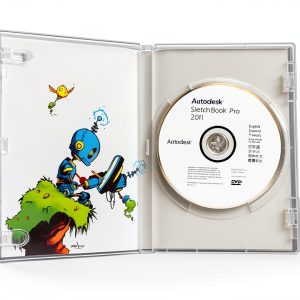
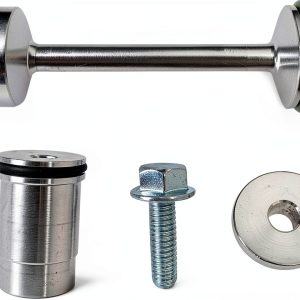
![[Product front view showing all components]](https://www.raregoods.store/wp-content/uploads/2026/06/47deff8e2e1043f6af07722685fc4d09.jpg)
Usage
This painting suite excels in a variety of creative environments. Professional illustrators can rely on its robust brush engine for intricate line work and texture rendering, while hobbyists enjoy an intuitive layout that shortens the learning curve. The software shines in studio settings where multiple monitors are used, as well as on the go, allowing artists to sketch ideas directly on a tablet during travel or field research. Its smart color correction tools enable rapid palette adjustments, making it perfect for concept artists who need to iterate quickly. Additionally, the program’s compatibility with pressure‑sensitive stylus pens ensures that every stroke reflects the artist’s intent, whether you are drafting a storyboard, polishing a comic page, or painting a detailed landscape.
Why Choose Us
Choosing Graphixly means investing in a platform built on years of industry expertise and a commitment to continuous improvement. The software’s architecture is optimized for performance, delivering smooth brush dynamics even on modest hardware. Our dedicated support team provides responsive assistance, regular updates, and a vibrant online community where users share tips, brushes, and tutorials. Quality assurance processes ensure that each release is stable, secure, and compatible with the latest operating systems. Moreover, the program’s licensing model is transparent, with no hidden fees, and includes free upgrades for the first year. By prioritizing user feedback, Graphixly maintains a product that evolves alongside the artistic trends and technological advancements shaping the digital art world.
Key Features
- Advanced brush engine with limitless settings for realistic texture and stroke control.
- Smart color correction that instantly refines palettes and balances tones.
- Fully customizable workspace allowing artists to arrange tools for optimal workflow.
- Seamless integration with leading pen tablets for pressure‑sensitive drawing.
- Responsive customer support and regular free updates to keep the software current.
FAQ
What operating systems are supported?
Graphixly runs on Windows 10 or later, macOS 11 (Big Sur) and newer, and is compatible with most Linux distributions that support the required graphics libraries.
Can I use the software with any pen tablet?
While the program works with any standard stylus, we recommend using a pressure‑sensitive tablet from Wacom, XPPen, or Xencelabs to fully experience the brush dynamics and customization options.
Is there a trial version available?
Yes, a 14‑day free trial is offered, providing access to all core features so you can evaluate the software before committing to a purchase.
How often are updates released?
We release major updates quarterly, with minor bug‑fix patches as needed. All updates are delivered automatically through the built‑in updater.
What file formats can I import and export?
The application supports PSD, PNG, JPEG, TIFF, and BMP for both import and export, ensuring compatibility with other industry‑standard tools and workflows.































Reviews
There are no reviews yet.